
False Hero Controls
Dash, lock-on, and the buttons your stolen arts actually live on.
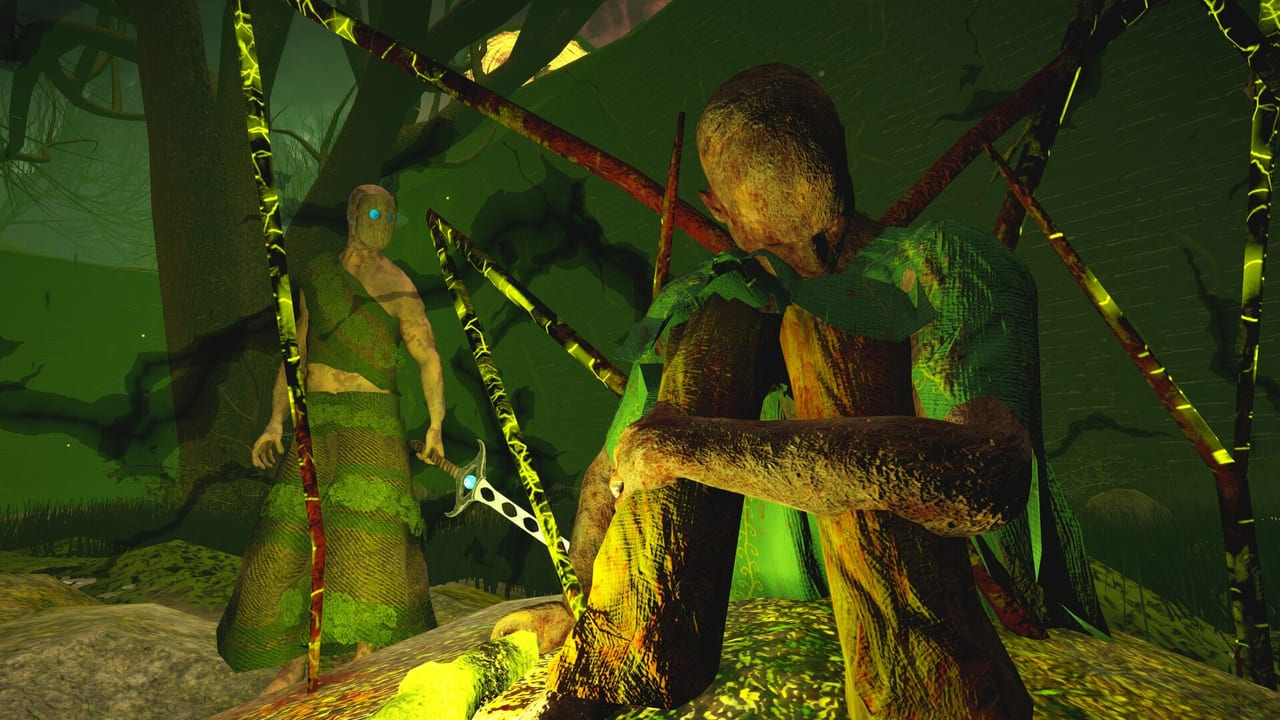
False Hero is a controller-first soulslike that still lets keyboard players remap WASD. This page is the practical layout: movement, the dash that replaced the roll, camera lock-on, Combat Art slots, and the options later demo patches added because people were fighting the camera more than Ignorance. Pair it with Getting Started if you have not reached a Bloodspring yet.
Steam lists full controller support, including DualShock and DualSense. If the game shows the wrong face buttons, open settings and force Xbox or PlayStation icons — that toggle exists specifically for failed auto-detect.
Movement and the dash
There is no jump. Vertical paths are geometry. Walk with WASD or the left stick. Sprint and dash share stamina. The dash is the i-frame tool; it is also how you die in the Ignorance arena if you empty the bar chasing a punish.
Practical rules:
- Dash through an attack with a direction, not away from it as a panic tap.
- Red-flame parries require a dash into the enemy at the moment of contact. Backdash is the wrong instinct.
- Save enough stamina for one swing after the dash. A perfect dodge into a exhausted stumble is how machines clip you.
- In a corner, unlock the camera and walk out. Mashing dash into a wall is how the Belgium preview’s “camera in tight spaces” complaint happens to you.
Default run speed was slightly reduced in a balancing patch. If a video from June feels zippy compared to your August build, that is why. Do not chase old footage timings blindly.
Camera and lock-on
Lock-on is the right-stick click on a gamepad, the usual targeting key on keyboard. Demo notes increased lock-on range and improved controller camera rotation. A later patch added camera follow smoothness during lock-on as a slider. If the camera snaps like a drunk tourist, lower smoothness; if it lags behind a circling boss, raise it.
Lock-on is not always accurate on small or flying hurtboxes. Several playthroughs complain about it during Book Throw duels. Unlock, re-centre, lock again. Do not fight the camera while Focus is full and unused.
Combat Arts, items, and menus
Open the Combat Arts menu to bind stolen moves to face buttons or keyboard slots. You decide which art sits on which input. Put your poke (Book Throw) on a comfortable button and your sweep (Spectral Blade, tentacle) on a trigger or a key you can hit after a dash.
Inventory used to hide items in folders. A later demo replaced folder buttons with a horizontal section selector and optional auto-select of the most recently acquired item. You can also disable the new-item exclamation marks if the UI is screaming at you. Clothing and Scrolls equip in the Equipment menu, not by using them from the bag — the game added a sentence saying exactly that because people failed it.
Saving is a blinking mask icon, not a progress bar. Rest at Bloodsprings. Do not alt-tab mid-rest on a toaster laptop; the demo is stable, but you still want the checkpoint written.
Keyboard versus controller
Keyboard works. WASD remapping was added on 12 June because it was missing. If you rebound movement and Combat Arts stopped firing, you stacked two actions on one key — split them. Mouse players should still consider a pad for the dash-into-parry timing; analog direction makes the red-flame lesson easier.
Controller is the intended feel. Full rumble / DualSense support is listed on Steam. Use it for the dash, not because the game is unplayable on keys.
Accessibility and visual options that change control feel
- Visual Style can disable the pixelize filter. The combat does not change; readability does.
- Damage numbers can be larger and last longer (misc patch). Turn them on while you learn stagger.
- Difficulty options in boss-refight mode (Recommended / Easy / Very Easy) do not remap keys; they change how much the boss forgives a fat-fingered dash.
- Language is a Steam / in-game setting. Polish arrived late. This wiki’s getting started page lists the store languages.
Once the buttons feel boring, you are ready to play. Bind arts on the loadout planner, walk the demo walkthrough, and only then argue with Ignorance. Controls that you still think about in the boss door are controls you have not finished setting up.
Frequently Asked Questions
Quick answers for the Steam demo and the 22 Sep 2026 launch.
Can I remap WASD in False Hero?
Yes. A 12 June demo patch added WASD remapping. Check that Combat Art keys did not collide with movement after you save the preset.
Is there a dedicated parry button?
No. Red-flame attacks are parried by dashing into the enemy at the moment the flaming hit connects. There is no separate guard-parry input for that lesson.
Does False Hero support PlayStation controllers on PC?
Steam lists DualShock and DualSense support. If icons are wrong, force PlayStation or Xbox glyphs in the options.
Why does lock-on feel loose?
Early demo builds had a short lock-on range and snappy camera. Later patches added range, rotation, and a follow-smoothness slider. Update the demo, then tweak that slider.